



MACHINERY REGULATION

(EU) 2023/1230

Is your documentation really ready for January 20, 2027?

Ready for the new Machinery Regulation?

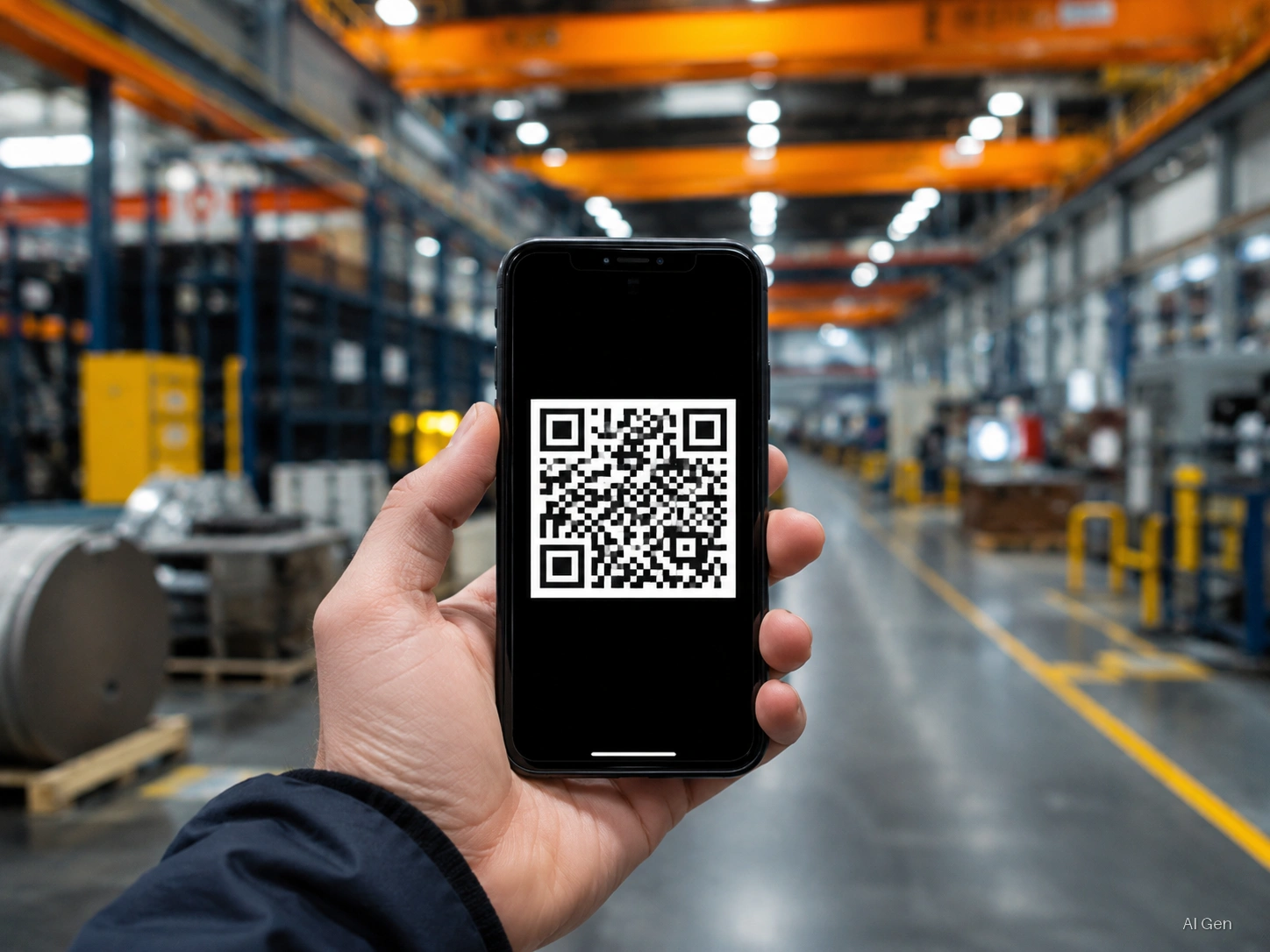
From 2027 you can deliver machinery documentation digitally. QRcube® supports the management and retention of this documentation, with version traceability and the paper version always available when needed.

Contact us

SDS – Safety Data Sheets

Delivering the sheet to the customer isn't enough: every revision under Article 31(9) must be sent without delay to recipients supplied in the previous 12 months. Missing an update: administrative fines up to €60,000.

Distribute SDS with no risk

With SDS Manager you send sheets to your customers, propagate updates to those who received them and keep proof of every transmission. Fully tracked, supporting compliance.

Contact us
All industries →
PlansCertiblogSecurityAboutPartnerContact
Start free
Smart Sharing

The smartest way to share your information

One unique QR. Infinite content. Total simplicity.

Real-time updates Integrated DRM® control Advanced analytics
QRCube — a 3D QR code connected to infinite digital content
From construction to operation

One code. Two stages of the machine.

QRcube® preserves what is created with the machine. QRcube Life records what happens afterwards, without changing the code on the nameplate.

Build phase

QRcube®

For machinery manufacturers

It contains the manufacturer's original documentation: instructions, EU declaration of conformity, diagrams, certificates and technical file, always in the correct version.
Operating phase

QRcube Life

For maintainers, inspectors and users

It builds the machine's history over time: maintenance, inspections, checks, replacements, software updates and retrofits, each with its own date.

Life

Stop sending 10 attachments by email

Do these problems sound familiar? QRCube solves them all.

Oversized emails

Attachments bouncing back because they exceed the size limit.

Expiring links

WeTransfer, temporary Google Drive… gone after a week.

Outdated manuals

Printed materials becoming obsolete the next day. Costly and useless reprints.

Customer confusion

"Which version is the right one?" — a question you should never hear.

It's not just a simple QR Code. QRcube is a smart container.

QRcube gives you complete control over what you share, with whom, and for how long. Imagine a folder you can attach anywhere: on machinery, a business card, packaging. The code remains the same, but you update the content whenever you want.

Always up-to-date

Edit content in the cloud without reprinting the QR Code.

Total control

Set expiration dates, passwords, public or private access.

No app required

Anyone scanning doesn't need to register or install anything.

Expiration date

Set when the QRCube ceases to be accessible.

Password protection

Only those who know the password can view the content.

Public or Private

You decide who can access your documents.

Ready in less than a minute

Three simple steps to create your first QRCube.

01

Select files

Choose the files or folders you want to share from your Certiblok archive.

02

Configure the cube

Give it a name, set an expiration date, or add a password if needed.

03

Create QRCube

Click 'Create QRCube'. Done. Ready to be shared.

Image

Apply it to machinery, packaging, or products.

Link

Share via WhatsApp, email, NFC, or on your website.

PDF

Perfect attachment for contracts and official documentation.

Used in real industries

Discover how businesses like yours use QRCube every day.
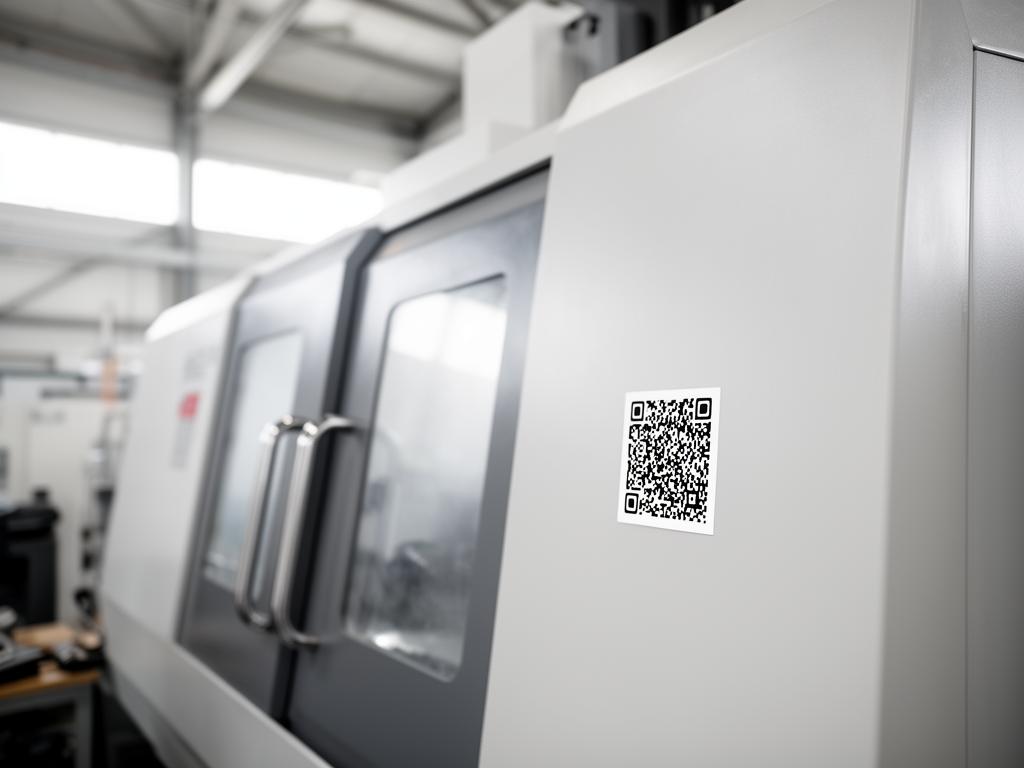
Documentation that's never lost
Machinery and Industry

Documentation that's never lost

Apply a QRCube as a sticker on machinery. It contains manuals, certificates, and warranty documentation. Update the content without physically reaching the machine.

QR Code Documentation that's never lostScan or click and see how it works yourself

The always-updated catalog
Sales and Marketing

The always-updated catalog

Include the QRCube on your business card or brochure. Today it shows the Winter collection, tomorrow the Summer one. No more "this print is old."

Why choose QRCube?

Three pillars that make QRCube the smartest choice for sharing.

Efficiency

Fewer reprints when the document changes: the QR code stays the same.

Control

Manage expiration dates and access independently, whenever you want.

Simplicity

Immediate experience for you and your clients. Zero learning curve.

Frequently asked questions about QRcube®

What is QRcube®?
QRcube® is Certiblok's dynamic QR code: one code, printed once on a product, machine or label, always pointing to the latest version of the linked documents. When you update the document in the platform, anyone scanning the code immediately sees the new content.
Do I have to reprint the QR code when a document changes?
No. The code stays the same for the entire life of the product: only the linked content changes in the platform. That is the difference from a static QR code, which points to a fixed file and must be reprinted at every revision.
Who can access the documents linked to a QRcube®?
You decide. For each QRcube® you can set permissions, expiry dates and per-document visibility, separating public content from content reserved to authorised users. Recipients do not need to create a full account to view what you made available to them.
Can I see who scanned the code?
Yes. Every access is tracked: you can see how many times the QRcube® was opened and which documents were consulted — useful during audits and for product compliance management.
Is QRcube® useful for the Machinery Regulation 2023/1230?
Yes. From 20 January 2027 the regulation allows instructions to be supplied in digital format: QRcube® lets you attach a permanent code to the machine that always exposes the current manual, declarations and documentation.
What is QRcube Life?
QRcube Life is the area of QRcube dedicated to the machine's history after delivery. Using the same QR code that opens the manufacturer's documents, authorized maintenance technicians, inspectors, and auditors upload reports, inspection records, and other documents. Every addition is retained with its version history.
Why is it called QRcube Life?
Because the QR code remains the same throughout the machine's life. It is applied once to the nameplate and is not replaced when new documents arrive: the content changes, not the code.
What is the difference between QRcube and QRcube Life?
QRcube opens the manufacturer's documents: instructions, EU declaration of conformity, diagrams, and certificates. Using the same QR code, QRcube Life adds a space for documents belonging to those who use and maintain the machine, without altering the manufacturer's documents.
Does the QR code change when I update a document or change maintenance provider?
No. The code on the nameplate remains the same. The documents are updated and the people uploading them may change, but anyone scanning the QR code always reaches the same place.
What happens to the QR code if the machine is sold?
The QR code remains on the machine, and the history stays linked to the machine, not to its owner. The new owner scans the same code and finds the manufacturer's documents and everything added over the years.
Can an external maintenance technician modify the manufacturer's manual?
No. The manufacturer's documents remain intact. The maintenance technician adds their own report alongside the manual, and no document is overwritten.
Do I need to install an app to use QRcube Life?
No. It is a PWA and can be used directly from a smartphone and from a PC.
Can QRcube Life be used on a machine that is already installed?
Yes. A living file can also be created for a twenty-year-old machine: simply apply the QR code to the nameplate and upload the available documents.

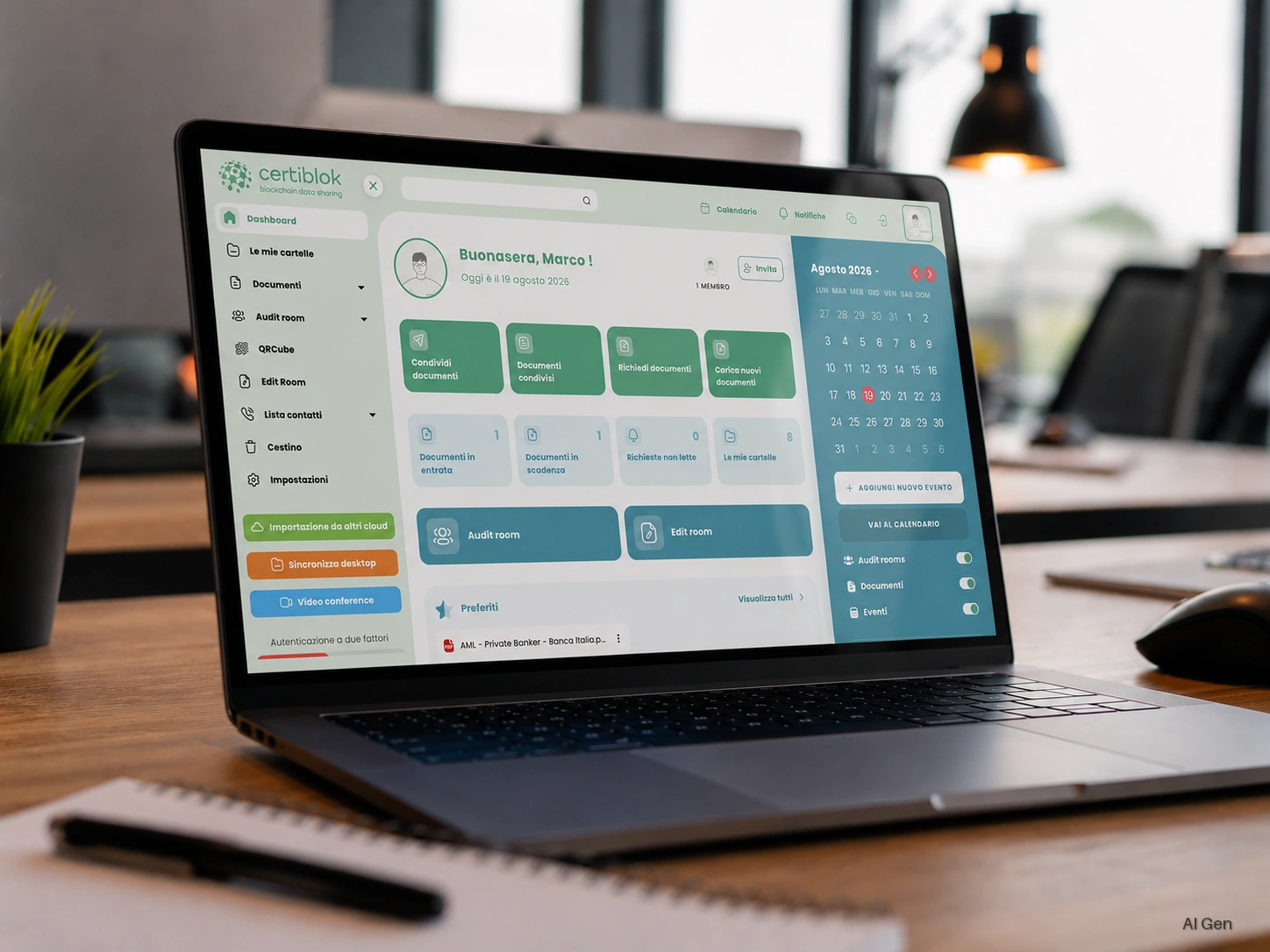
Organize your archive, today

QRCube works in perfect synergy with all Certiblok features.