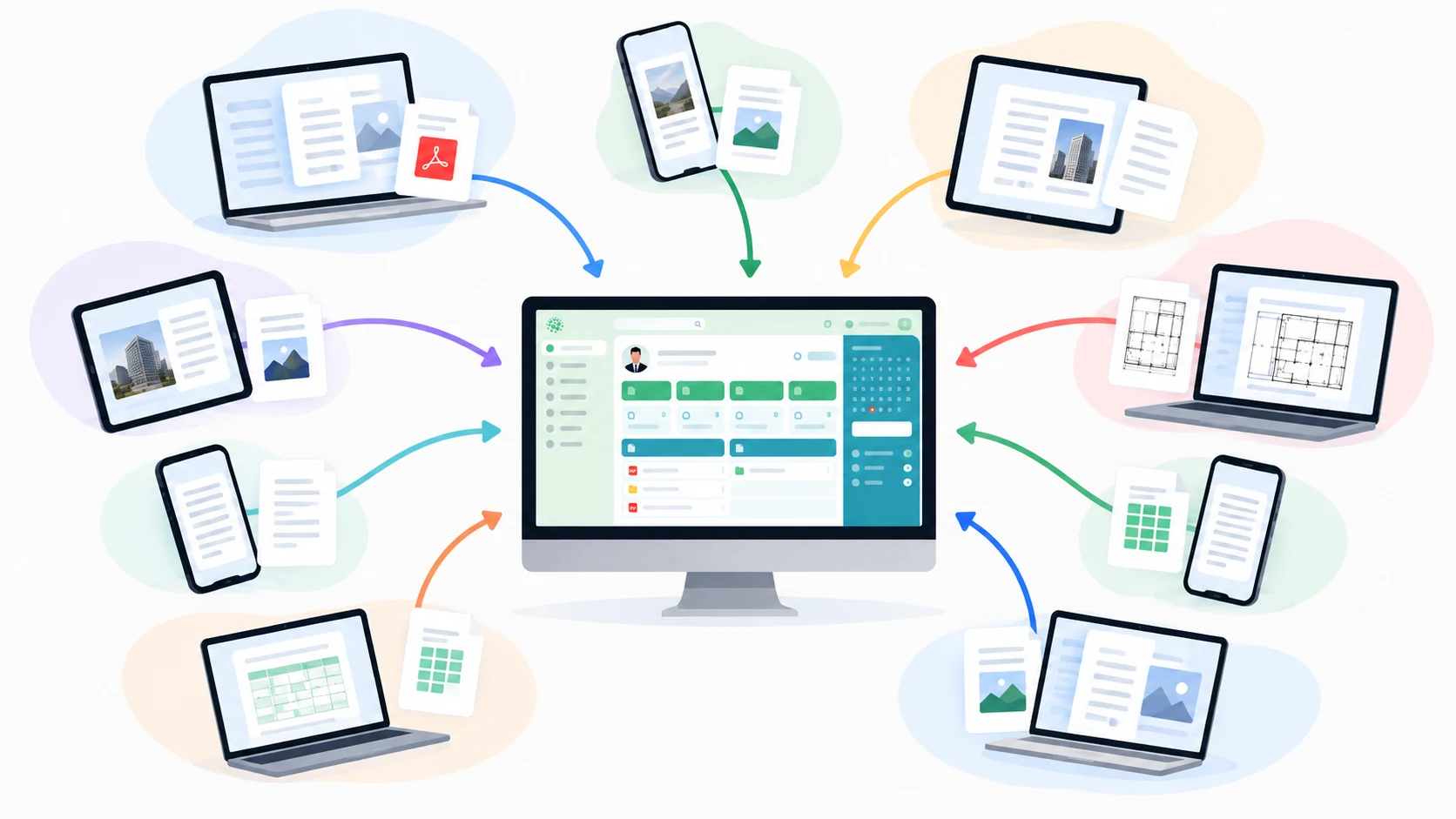




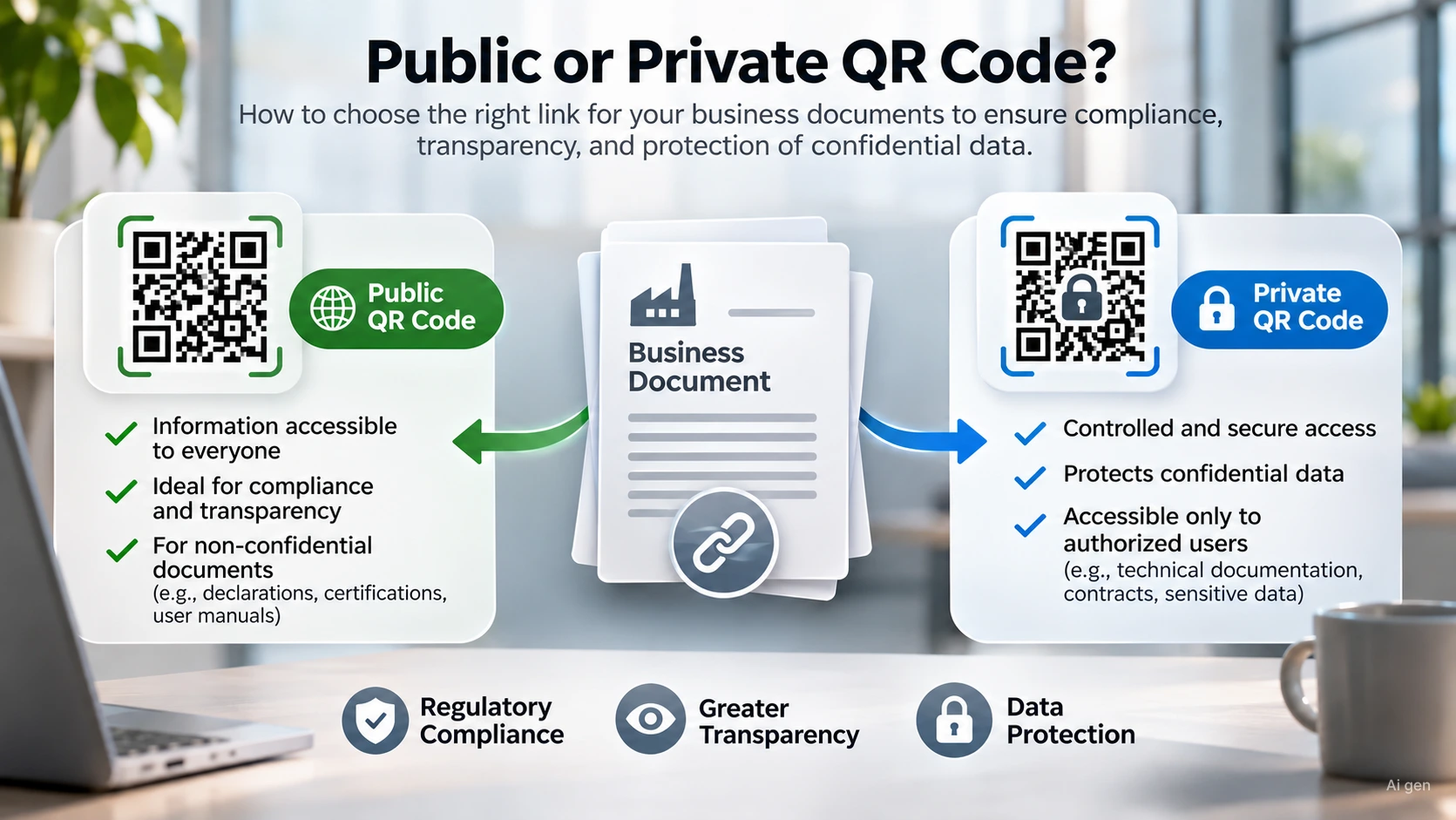
A public QR code allows anyone who scans the code to immediately view the file without authentication, while a private QR code restricts access solely to authorized users with company credentials. The choice depends on transparency requirements or the level of data confidentiality.
In summary
Public QR codes meet technical transparency obligations towards operators, maintenance technicians, and end customers.
Private QR codes protect industrial designs, sensitive data, and internal logs from unauthorized access.
Every file uploaded to the platform automatically receives a unique code configurable with a single click.
European regulations mandate the immediate availability of instructions without collecting personal data.
Dynamic containers like QRcube allow files to be updated over time without reprinting the physical media.
What is the operational difference between public and private QR codes?
When digitizing technical, construction site, or administrative documentation, the critical point is not generating the two-dimensional barcode. The real challenge lies in governing who can view that content and how the file lifecycle is managed. A public code points to a resource that can be freely consulted from any smartphone. Anyone scanning the physical media accesses a document preview or immediate download, without logging in and without needing to install third-party apps. This mode proves essential when timely access to information eliminates operational risks or health hazards.
Conversely, private mode makes viewing conditional on holding specific company permissions. Upon scanning the code, an external user without credentials sees an authentication prompt. This barrier protects company information assets and prevents competitors or onlookers from downloading proprietary wiring diagrams, health reports, or confidential testing files. To evaluate the most suitable solution for your operational workflows, you can request specialist consulting from the Certiblok® team.
When does the law require public access to documents?
Making documents publicly accessible is not a commercial concession, but a necessity dictated by precise regulatory obligations. The clearest example lies in the Machinery Regulation approved by the European Parliament and the Council, officially known in the Official Journal of the European Union as Regulation (EU) 2023/1230. In Annex III, point 1.7.4, the regulation stipulates that the manufacturer may provide the instructions for use in digital format, provided they remain accessible online for at least ten years following the placing on the market of the machinery, and can be easily printed and saved on mobile or stationary devices.
In this scenario, requiring mandatory registration or a password prompt would violate the principle of immediate and free access to safety instructions. The same logic applies on construction sites pursuant to Legislative Decree No. 81 of 9 April 2008, available on Normattiva, where the operational safety plan or technical data sheets for scaffolding must be instantly verifiable by local supervisory authorities and safety coordinators.
Which documents strictly require a private code?
The private configuration becomes essential whenever the document contains information protected by trade secrets or personal data subject to the General Data Protection Regulation. A frequent mistake in metalworking or manufacturing companies is pairing identification tags featuring public QRs with components containing tolerance specifications down to thousandths of a millimeter or executive drawings in vector format.
Cases where private mode is mandatory include:
Industrial technical drawings, 3D modeling files, and production bills of materials.
Internal audit reports and non-conformities identified during certification inspection audits.
Unscheduled maintenance reports containing expert assessments on breakdowns subject to legal disputes.
Personnel files and medical fitness records subject to strict data processing restrictions.
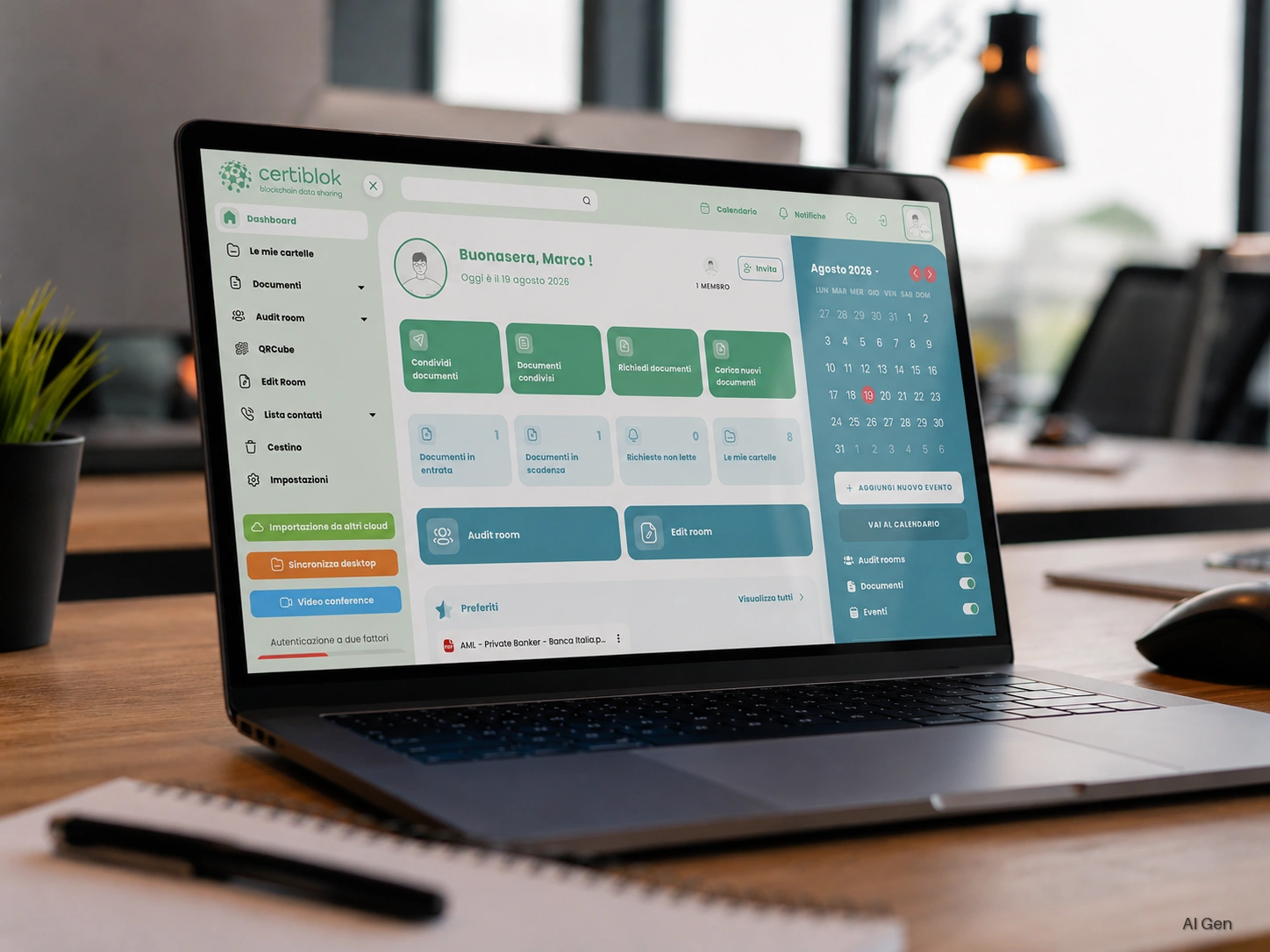
In Certiblok®, every archived document automatically receives a dedicated QR code. The file administrator determines whether to keep it private or make it public, managing the document relationship through the proprietary DRM (Document Relationship Management) technology. If the file is updated to a subsequent revision, anyone scanning the code always sees the latest valid version, while previous editions remain archived and verifiable in the history.
How to compare the two modes before printing?
The following table compares the operational features of the two configurations to guide your choice before printing metal nameplates, industrial stickers, or packaging labels.
Evaluation criterionPublic QR codePrivate QR codeAuthentication requiredNo registration or loginCompany credentials or explicit authorizationTypical recipientsMachine operators, maintenance technicians, end customersInternal technicians, auditors, engineering departmentsDocument typeUser manuals, safety data sheets, CE labelsConstruction drawings, expert appraisals, internal auditsConfidentiality protectionLow, freely accessible documentHigh, restricted access tracked in logsRisk of disputeNone if content must be accessibleRisky if applied to safety obligations
How to manage complex collections without generating dozens of codes?
Often, a piece of machinery or an industrial plant does not require a single file, but an entire dossier consisting of an instruction manual, declaration of conformity, hydraulic diagram, and testing certificate. Printing an array of different codes on the chassis creates confusion and increases the likelihood of human error.
To solve this problem, Certiblok® provides the QRcube module. This is not a simple link to a single PDF, but a true permanent digital container structured into folders. The code printed on the machine remains unchanged over the years. From the technical office, it is possible to upload or replace files, set time expirations, or password-protect specific folders. The stored data benefits from AES 256 encryption and is fragmented into eighty parts distributed across a decentralized network of twenty-six thousand nodes, ensuring that no single node hosts the intact file and that twenty-nine are sufficient for complete reconstruction.
The distinction between public and private is not merely an IT setting, but a deliberate corporate risk governance decision. Balancing the transparency required by inspectors with the protection of technical know-how prevents administrative penalties and the loss of intellectual property.
If your organization needs to manage machinery labels, construction site records, or technical compliance documents in accordance with European regulations, speak with our specialists to discover the right configuration for your business processes. Contact the Certiblok® team to request a demo session.
Frequently Asked Questions
Are individuals who scan a public QR code tracked with their personal data?
The Certiblok® platform does not record the personal data of users scanning public codes. Full compliance with privacy regulations is guaranteed without requiring invasive cookies or mandatory sign-ups.
Can I convert a QR code from private to public after printing it?
Yes. Because the unique code references the document record rather than a static path, permissions can be modified from the management console without needing to reprint the sticker or nameplate.
What happens if I update the manual linked to the code?
Thanks to the versioning system, the physical code continues to automatically display the latest approved revision, while retaining previous versions in the historical archive accessible to managers.
Can a private QR code be protected with a simple password instead of an account?
Yes, by using the QRcube module it is possible to generate distributed containers protected by a temporary password, granting controlled access even to external collaborators who do not have a company account.