



A traditional cloud stores files on centralized servers, usually concentrated in one or a few data centers. A decentralized cloud does the opposite: it encrypts each file, splits it into fragments and distributes them across a large network of storage nodes, none of which holds the whole document. It is not a variant of the cloud you already know: it is a different architecture, designed to reduce the single point of attack where most ransomware and data breach damage is concentrated.
How Certiblok®'s decentralized architecture works
In Certiblok® every document is encrypted with AES-256 and split into 80 fragments, distributed across a global network of 26,000 storage nodes. No single node holds the complete file: rebuilding it requires several fragments, not just one. European customers are assigned only to nodes located in the European Union, to comply with the GDPR.
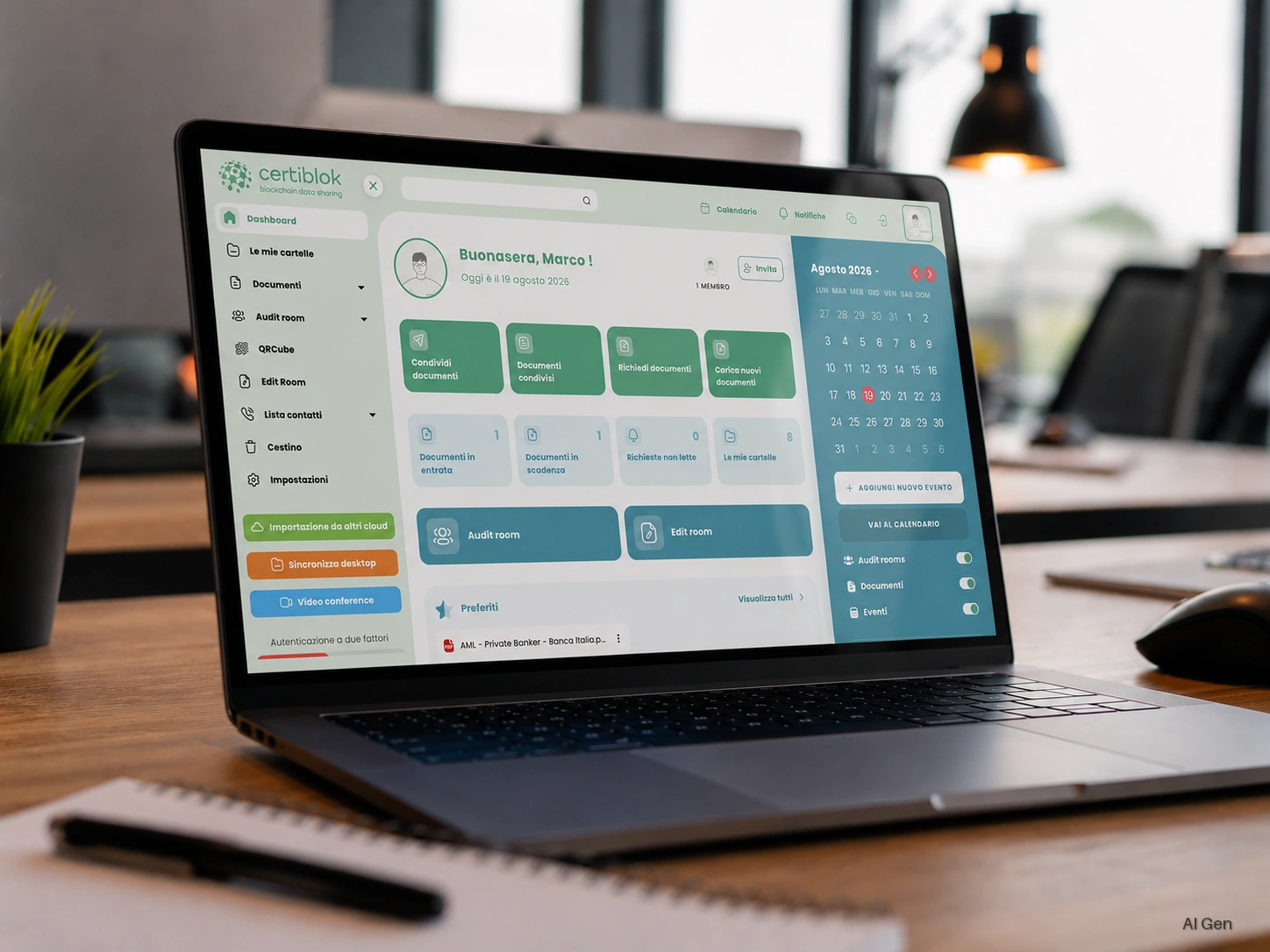
On top of this infrastructure, a smart contract on the Ethereum blockchain controls how the cloud and the node network operate: it manages how fragments are distributed and retrieved, not the individual documents. This distinction matters because you often read the opposite: Certiblok®'s blockchain does not notarize or timestamp documents. The benefit for documents comes from a different mechanism, versioning: every update creates a new version, previous versions remain stored and restorable at any time, and the whole archive can be exported whenever needed.
Why it reduces risk in case of attack
A centralized cloud has a precise target: the data center or server where the files are stored. An infrastructure fragmented across thousands of nodes does not offer the same target. But the most concrete benefit against ransomware comes from versioning: if ransomware encrypts a file on your computer and the encrypted version reaches Certiblok®, the previous one remains stored and restorable. The attack can still reach its destination; when it does, it does not remove the possibility of going back.
Data sovereignty: where your documents really end up
With a traditional centralized cloud, knowing where data physically resides, and under which jurisdiction, is not always straightforward. With a distributed node architecture the question changes shape: what counts is not the single server but the rule by which fragments are assigned. For European customers, that rule is the contractual constraint that assigns them only to nodes in the European Union. This is relevant for anyone assessing non-EU cloud providers precisely because of the risk of access by third-country authorities.
Decentralized cloud vs traditional cloud: the differences that matter
| Traditional cloud (centralized) | Decentralized cloud (Certiblok®) | |
|---|---|---|
| Where files are | One or a few data centers | Fragmented across thousands of nodes |
| Target in case of attack | The data center itself | No node holds the complete file |
| Recovery after ransomware | Depends on a separate backup | Previous versions already stored and restorable |
| Control over where data resides | Variable, often not transparent | Explicit geographic assignment rule for EU customers |
The most common mistakes in cloud document storage
Companies moving to a decentralized cloud almost always come from concrete problems, not from a theoretical interest in technology: shared folders with no control over who can access what, no version history, a single backup that turns out to be useless exactly when it is needed, because it was hit together with everything else. These are structural flaws of a centralized architecture, not carelessness.
An architecture that is becoming the standard
Five years ago the decentralized cloud was a niche topic. Today the same reasons that pushed companies towards the cloud, resilience, remote access, lower infrastructure costs, are pushing some of them beyond the centralized cloud: towards architectures that distribute risk instead of concentrating it in a single point.
Further reading: DORA 2025 and the decentralized cloud, Certiblok® ServerBackup: business backup on a decentralized cloud, QRCube®: smart sharing and cloud sync