



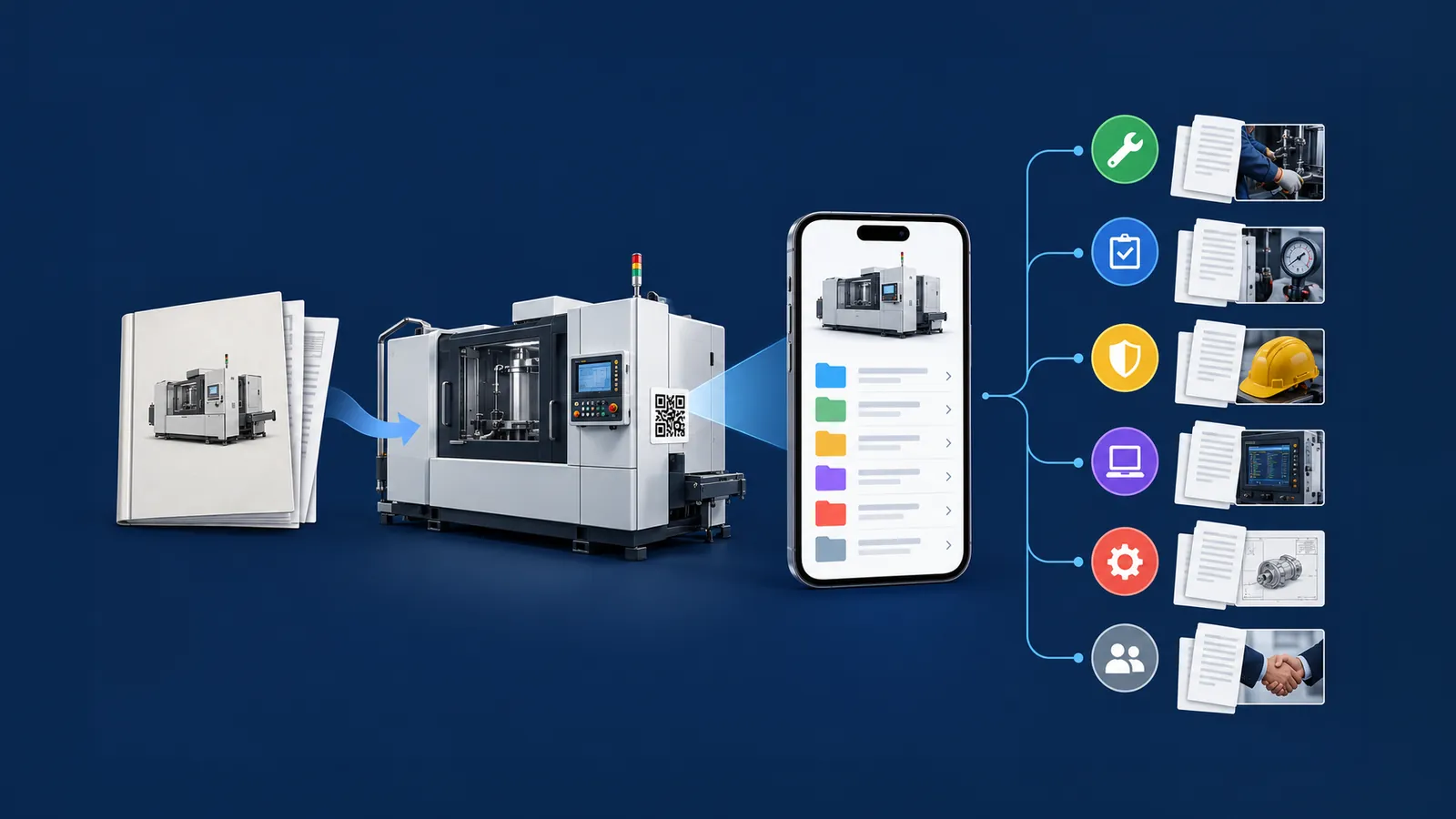
Every machine comes with its manual. The manual tells how the machine was born, not how it lived. After ten or fifteen years of work, the actual state of a machine depends on everything that happened after delivery: interventions, spare parts, verifications, modifications, software updates. That history usually exists but is scattered across a cabinet, a folder, a management system, and some technician's emails. The living file gives it a precise place.
What is the machine's living file
The machine's living file is the set of documents that recount a machine's life after delivery and that accompany, without modifying, the original manufacturer's documentation. The term is used by Certiblok® to distinguish it from the two documents that the manufacturer prepares by law: the technical file and the instructions for use.
The manufacturer photographs the machine on the day it is placed on the market, and that photograph must not be touched. The user needs a second binder, connected to the same machine, where everything that happens afterward can be placed.
| Technical file | Instructions for use | Living file | |
|---|---|---|---|
| Who prepares it | The manufacturer | The manufacturer | The machine user and maintainer |
| When | Before being placed on the market | Delivered with the machine | Throughout the machine's life |
| Who consults it | Supervisory authorities, upon request | Users and maintainers | Maintainers, safety managers, verifiers, auditors, future buyer |
| Is it modified? | Remains with the manufacturer | Only updated by the manufacturer | Enriches over time, without overwriting |
| Reference | Reg. (EU) 2023/1230, Annex IV | Reg. (EU) 2023/1230, Art. 10 and Annex III | Legislative Decree 81/2008, Art. 71; Reg. 2023/1230, Art. 18 |
Why it's needed: what regulations require from machine users
The Machinery Regulation primarily concerns those who build and place machines on the market. However, users have their own obligations, and some novelties of the Regulation make them more concrete.
Article 71 of Legislative Decree 81/2008 requires the employer to maintain equipment efficiency through appropriate maintenance. For equipment subject to checks, the results must be reported in writing and retained for at least the last three years. Those in Annex VII also have periodic verifications.
Article 18 of Regulation 2023/1230 considers anyone who makes a physical or digital modification to a machine already in service, which introduces a new hazard or increases an existing risk, as a manufacturer. To understand if an intervention falls into this case, it is necessary to know what was previously done on the same machine.
Annex III (points 1.1.9 and 1.2.1) requires new machines to protect critical software and data, collect evidence of software interventions, and retain data on interventions and versions of safety software uploaded after being placed on the market for five years. This data is stored by the machine itself. The living file adds the documents: who performed the update, why, and with what outcome.
Article 10 allows the manufacturer to provide instructions in digital format, accessible for the expected life of the machine and in any case for at least ten years. If the user requests it at the time of purchase, the paper copy is free. The living file can stand alongside the instructions and be accessed from the same entry point.
What a living file contains
Maintenance: reports of ordinary and extraordinary interventions, fitted spare parts, calibrations, scheduled lubrication.
Verifications and checks: reports of periodic verifications, outcomes of checks required by article 71, audit findings, and corrective actions.
Safety: updated risk assessment for the workstation, internal operating instructions, required PPE, training log for personnel.
Software and configuration: installed versions, technician's notes, backup copies of PLC programs.
Modifications and retrofits: description of the intervention, date, executor, assessment of substantial modification, and, if necessary, new conformity documentation.
Events: recurring failures, machine downtime, near misses, operator reports.
Changes of ownership: date, transferor, acquirer, machine status at the time of transfer.
Who updates it and when it's needed
Multiple people contribute to the living file. The table indicates what each person adds and in which situation they will need to retrieve it.
| Role | Contribution | Critical moment |
|---|---|---|
| Internal or external maintainer | Intervention reports, spare parts, calibrations, software updates | Nighttime breakdown, dispute with a supplier, change of maintenance supplier |
| Safety manager (RSPP) | Risk assessment, operating instructions, PPE | Inspection, accident, line modification |
| Verifying body or auditor | Reports, findings, corrective actions | Subsequent verification, certification renewal |
| Operator | Start-of-shift checks, anomalies, reports | Failure analysis, training of a new employee |
| Purchasing department or management | Contracts, warranties, transfer documents | Resale, decommissioning, expert appraisal |
How to set up a living file: six requirements
Whatever tool is chosen, a living file must meet six conditions.
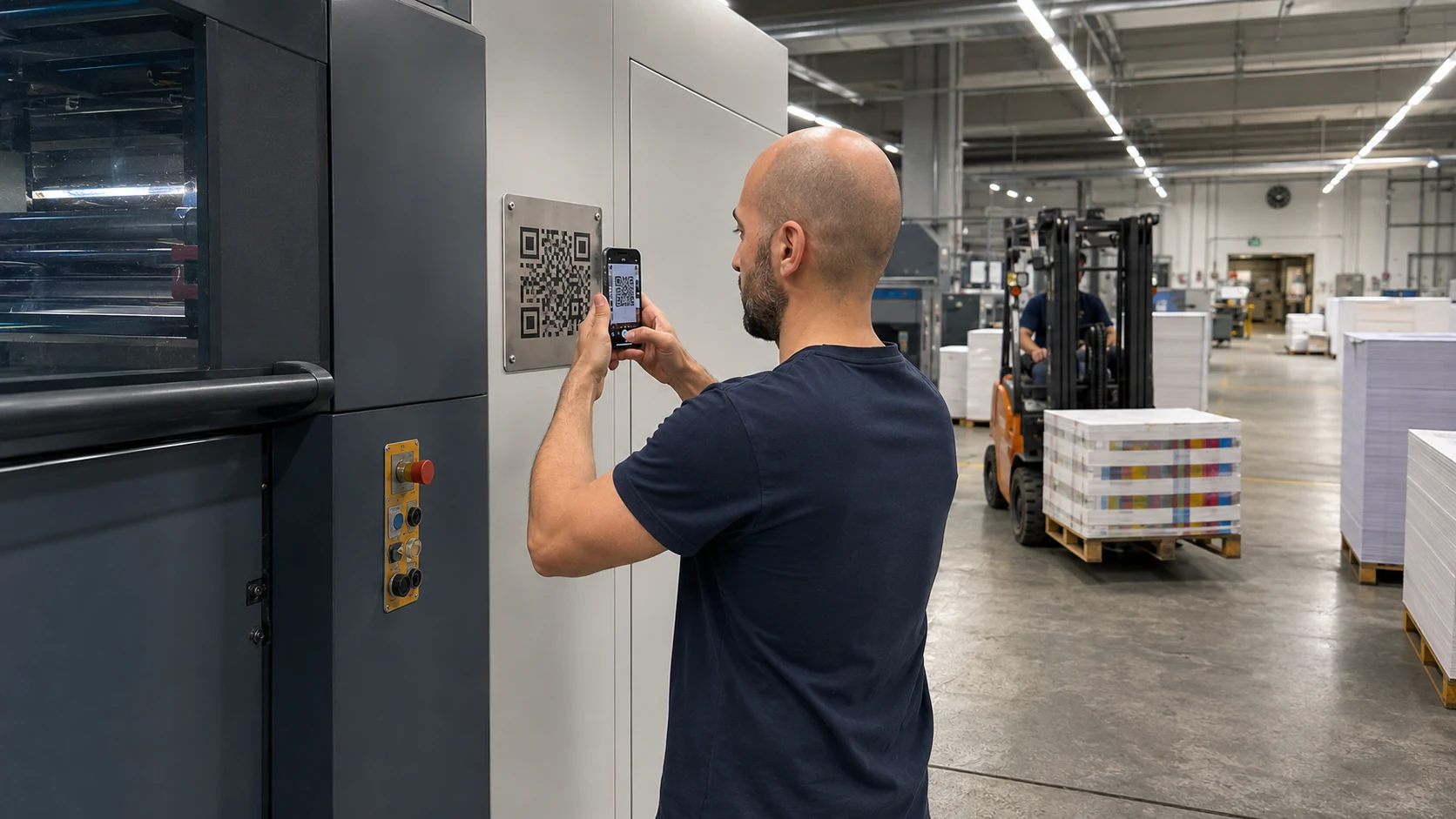
It is accessible from the machine, with a code on the nameplate, without having to know who to call or which folder to open. The code is always the same.
It keeps manufacturer's documents separate: anyone adding a report places it next to the manual and cannot modify it.
It stores each version with its date. No document is overwritten.
For each document, it records who uploaded it and when.
It resides outside the company network, so that anyone scanning the code (even an external technician) does not gain access to the company's domain.
It survives changes in supplier, manager, and owner. The machine lasts longer than any contract.
The living file throughout the machine's life cycle
The file is opened upon delivery, linked to the manufacturer's instructions and the acceptance test report. During operation, maintainers and operators add interventions and reports, and the on-call technician finds diagrams and history even at night.
Before a retrofit or software update, the history helps assess whether the intervention constitutes a substantial modification. During an inspection or audit, the question "where are this machine's documents?" is answered in a minute, with versions in order.
When the machine is resold, a documented history supports its valuation. Without history, it's often worth scrap. Upon decommissioning, the file remains as an archive for any disputes or verifications.
Anyone buying a used machine scans the same code that was there on day one and sees everything that happened before them.
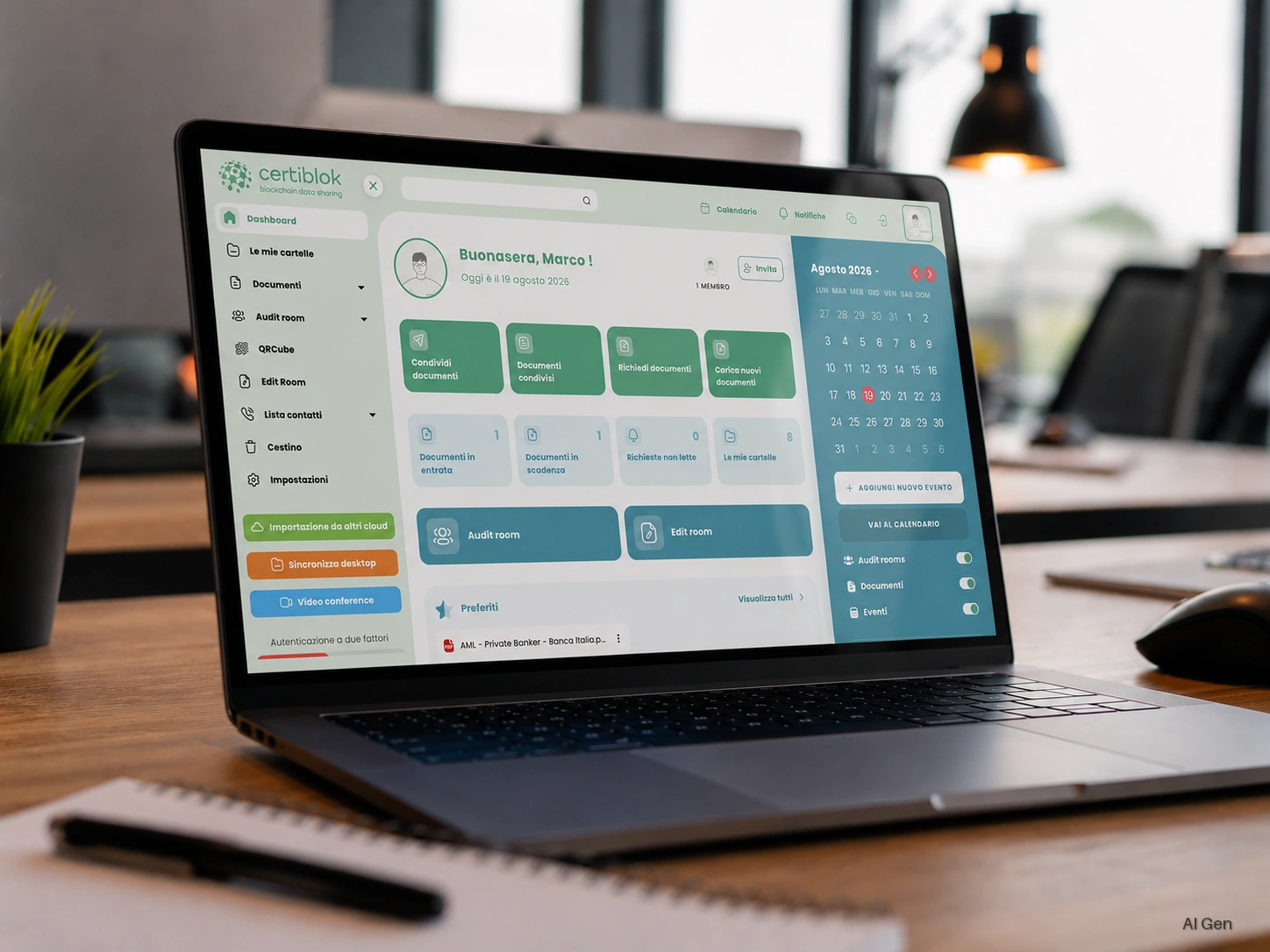
How it's managed with Certiblok®: QRcube and QRcube Life
Certiblok® is the Italian platform for managing digital machine documentation and documentary compliance, with an ISO/IEC 27001 certified management system. The living file is built with two tools.
QRcube® places a single QR code on the machine that leads to the manufacturer's documents: instructions, EU declaration of conformity, diagrams, certificates. The code remains the same even when documents are updated and opens from a smartphone without installing an app. DWG, DXF, and STL drawings are displayed directly.
QRcube Life
Why it is called QRcube Life
When we chose the name QRcube Life, the word that mattered was the last one. Life: the life of the machine, which lasts much longer than one might imagine at delivery.
Let’s start with the nameplate. Every machine has one, and that is where the QR code goes. The nameplate is made of metal, is attached once, and stays in place for as long as the machine operates: ten years, fifteen, sometimes twenty. No one removes it and makes a new one every time a new document arrives. If the QR code is on the nameplate, there must be only one, and it must always remain the same.
This is how QRcube Life works. The code never changes. What is behind it changes as the machine operates.
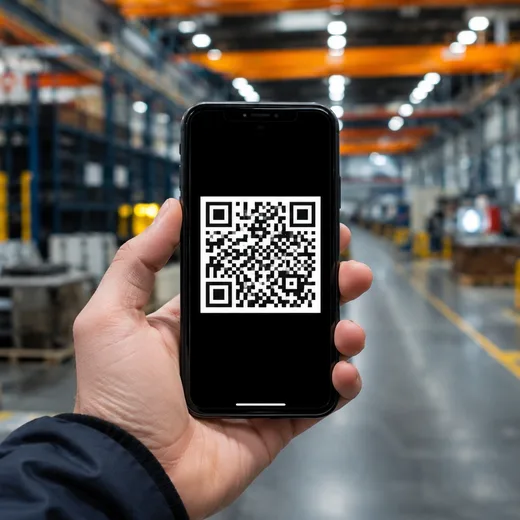
On the first day, anyone who scans it with a smartphone finds the manufacturer’s documents: instructions, EU declaration of conformity, diagrams. A few years later, the same code also contains the report from the maintenance technician who replaced a component. Then the periodic inspection report, the software update, the latest retrofit. The action is always the same—scan the nameplate—and what opens is the machine’s history, updated to the present day.
Think of a technician arriving in front of a stopped machine, perhaps in the evening. They do not need to know who maintained it before, which folder contains the reports, or whom to call to have them sent. They scan the code and read.
The same applies when the machine changes ownership. Anyone buying a used machine scans the same code that was there on day one and sees everything that happened before them. The manufacturer’s documents remain as they were. Those added by maintenance technicians and auditors sit alongside them, each with its own date, and no one deletes anyone else’s documents.
That is the reason for the name. The machine has a single QR code, applied once, and keeps it for as long as it exists. The maintenance provider may change; the owner may change. The code on the nameplate remains the same.
The documents are not on the client's servers. They are encrypted with AES-256, fragmented, and distributed on a decentralized network: anyone scanning the code can consult them without entering the company's domain.
«A machine's history must follow it even when ownership changes.» Gianluigi Michelotto, CTO of Certiblok®
Further insight into the Machinery Regulation and the machine’s living file is available in an article published by Telmotor, which explains the role of digital document management throughout the machine’s life cycle. Read the full article on Telmotor’s website.
Further reading
Machinery Regulation (EU) 2023/1230: what changes from January 20, 2027, and how to prepare
QR code machine manual: what Regulation 2023/1230 mandates from 2027
Machinery Regulation 2027: your machine is worth less than you think
Automatic versioning: version comparison for internal audits